Checklists
Daily
- Respond to any outstanding custom/participant emails
- Check social media for any customer service inquiries
- Send any orders that need sending
- Propagate Shopify order edits and cancellations to Shipbob (🚨8hr window🚨)
- Check Shopify for fradulent orders
- Check Shopify for multiple orders from the same person
Twice Weekly
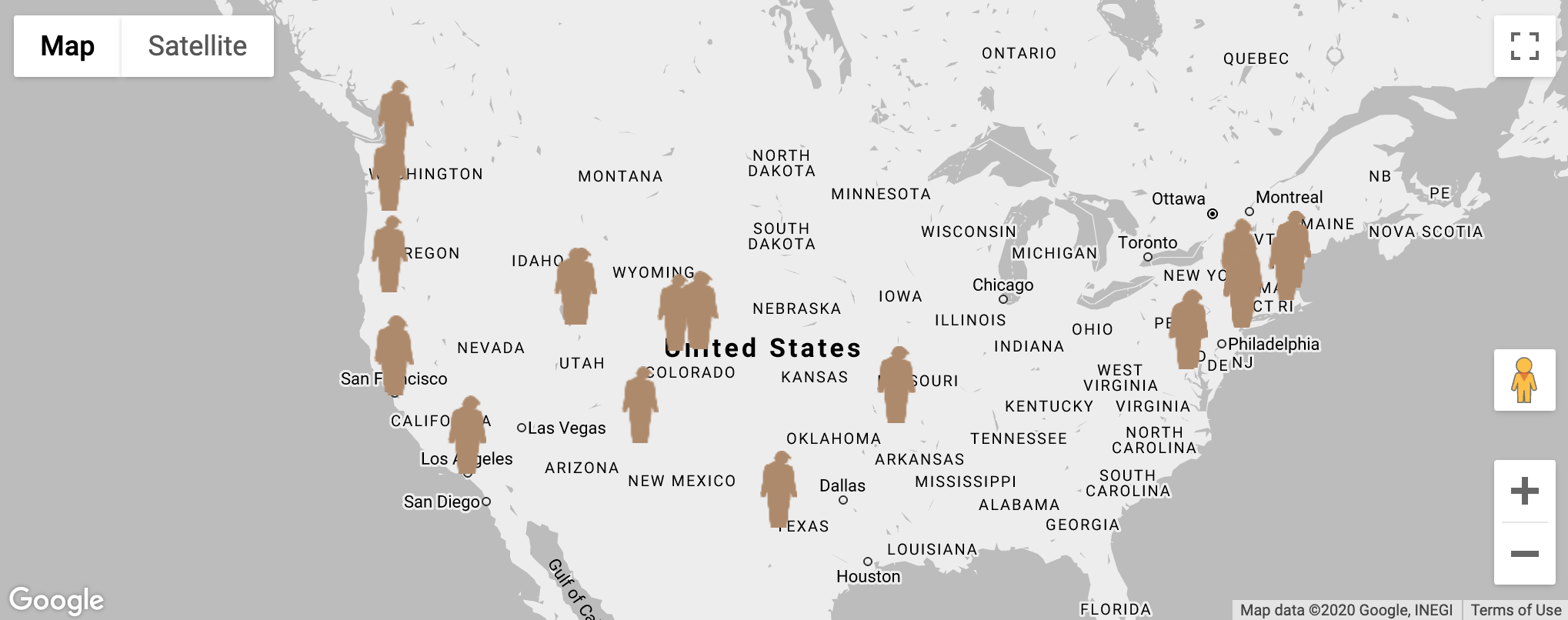
- Check inventory levels and rotate families
- Pick up packages at the Post Office
- Mail packages/orders as needed
- Facebook invites to like page
- Like IG comments on posts
- Check-in zoom call
Weekly
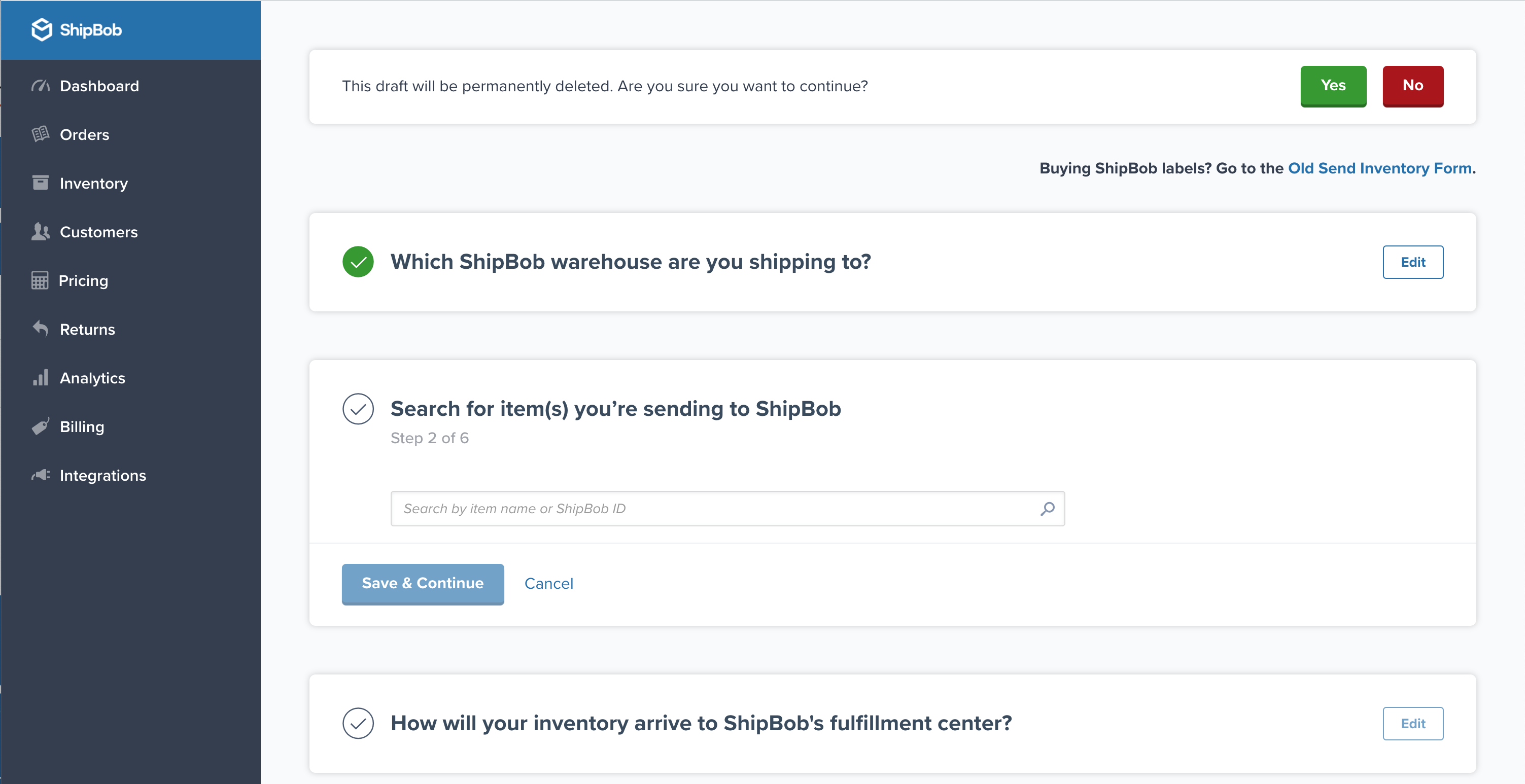
- Review Shipbob logs for overcharges
- Send support@shipbob.com emails for any missing inventory or incorrectly picked orders
Tutorials
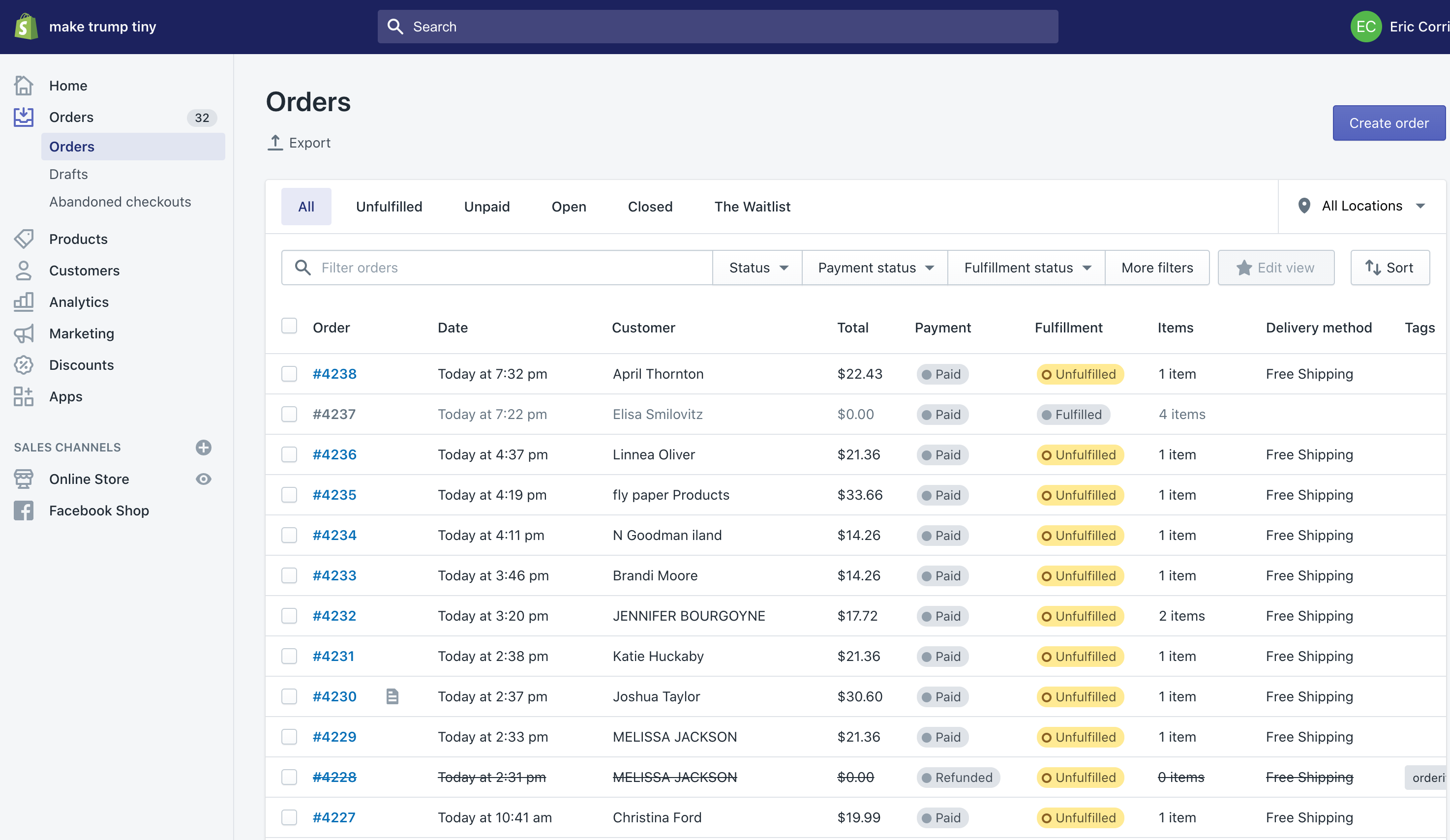
Fulfilling orders: Shopify is set to fulfillment method I
When products in Shopify are set to be fulfilled by Shopify. This is the video to watch that covers 90% of manual fulfillment.
View Video
Fulfilling orders: Shopify is set to fulfillment method II
When products in Shopify are set to be fulfilled by Shopify. This is the video to watch that covers 90% of manual fulfillment.
View Video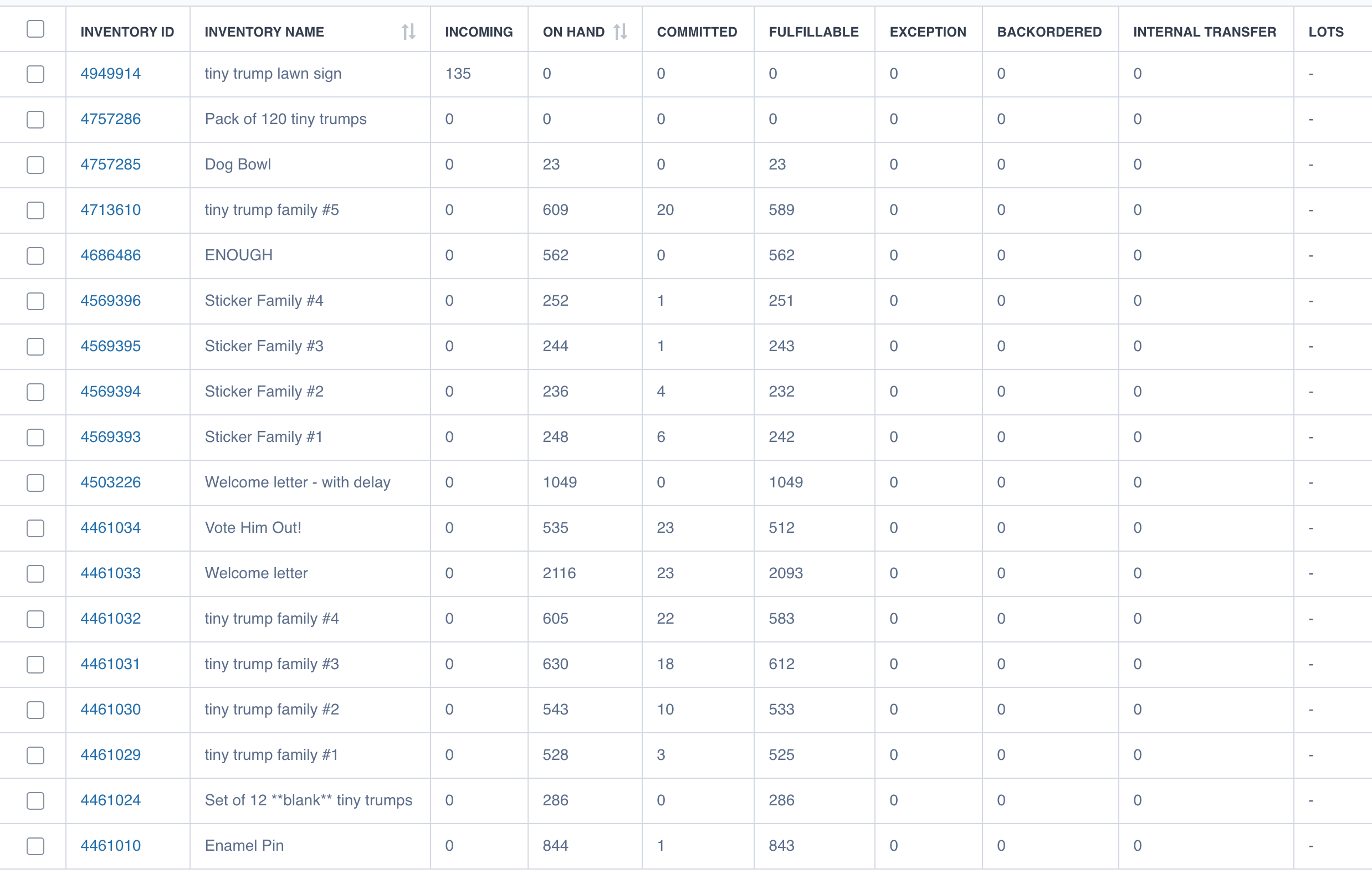

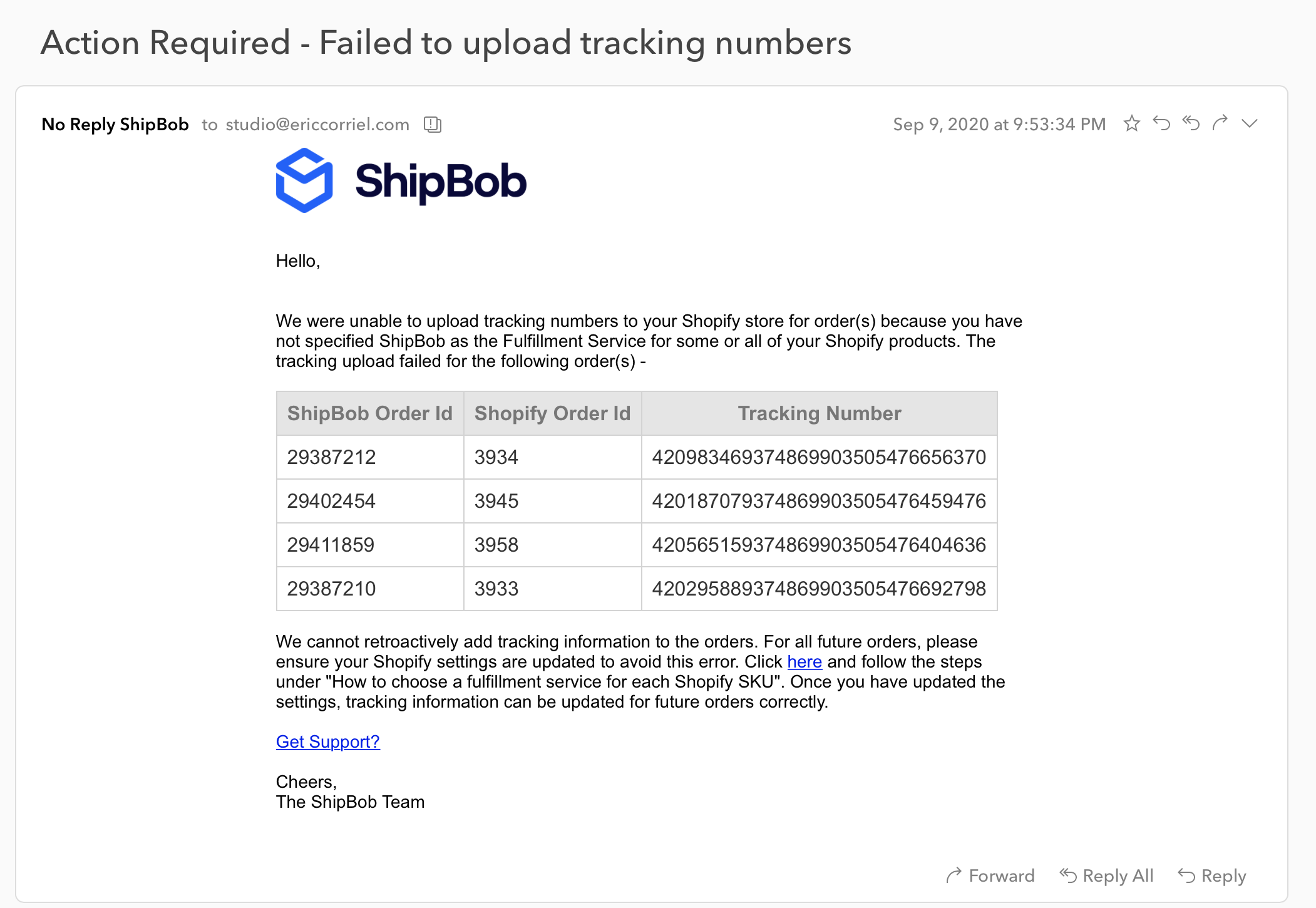
Shipbob "Action Required" email
What to do with the "Action Required - Failed to upload tracking numbers" Shipbob email
View Video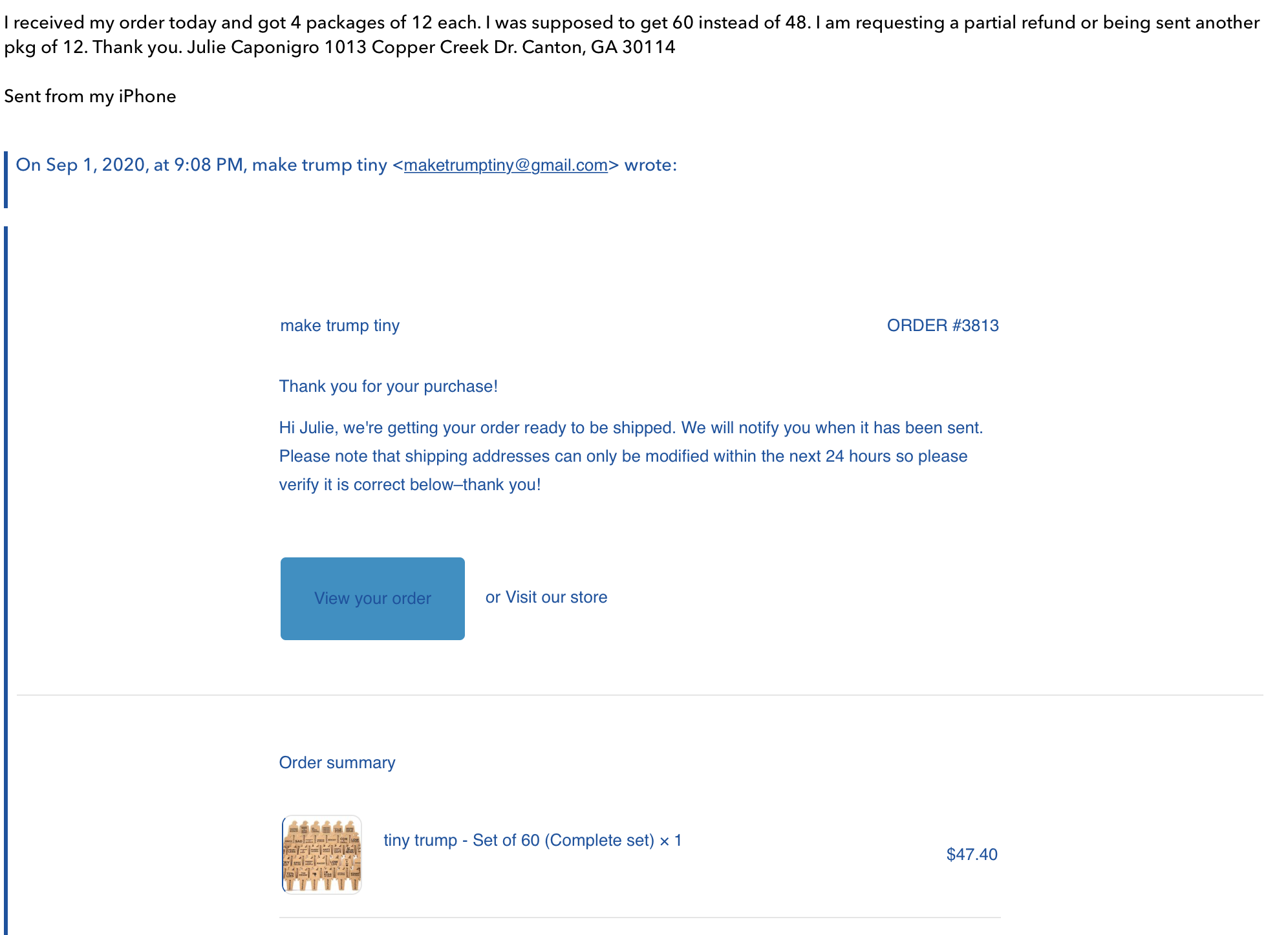
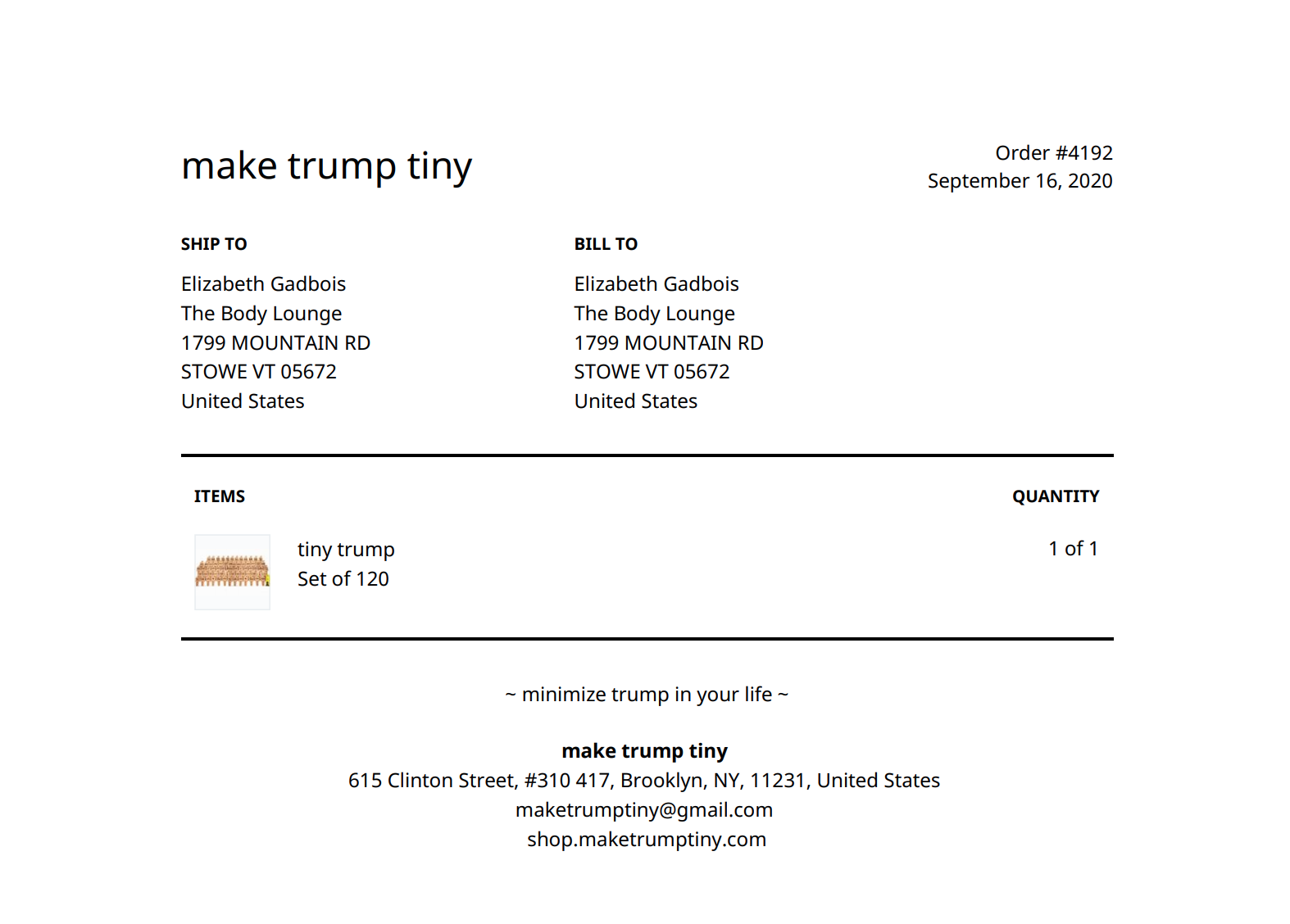
Fulfilling orders: Shipbob is set as the fulfillment method
Occassionally a product in Shopify is set to be fulfilled by Shipbob and it needs to be filled manually
View Video